
By default, the Representatives’ page shows the organization in a names managerial structure. You may prefer viewing the Representatives page in an organizational chart mode.
Note: This chart mode is intended for middle to large size organizations, where the number of departments is large, and the hierarchy order is crucial for proper operation.
Proceed as follows:
- Click on the Representatives tab.
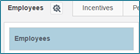
- Click on the attributes icon in the Representatives The Configure Representatives selection box is displayed.
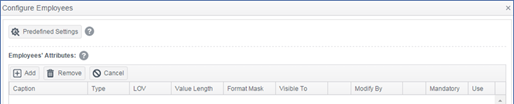
- Click on the Predefined Settings button.

- In the Organizational Mode drop-down menu, select Department mode.
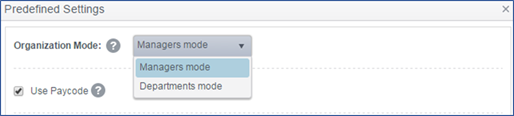
- Click OK
- Click Save. The Representatives organization is shown in a chart display, defined as Departments.
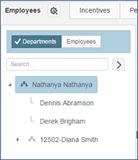
(there are other consequences to work on Department Mode - Ask Leeron or me)
Comments