
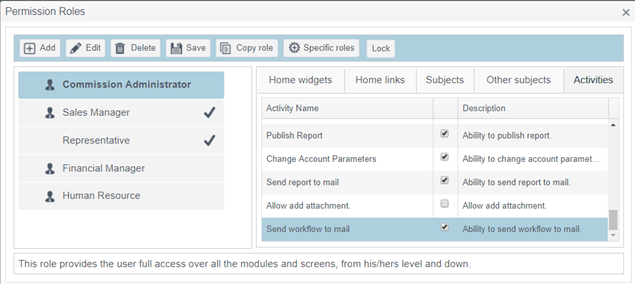
- Access Tool sub menu, users' permissions definition, select the required role and access the 'Activities' tab
- Check 'Ability to send Workflow to mail', which is the last displayed ability
- Access Tools sub menu, open Process tab folder and 'WorkFlows' tab inside
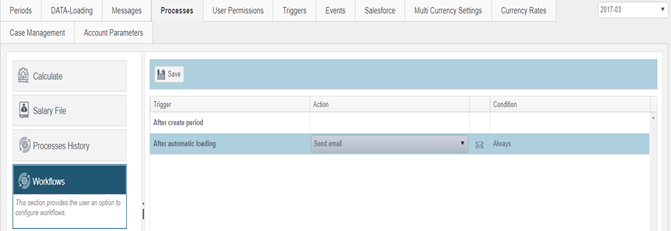
- Select 'After create period' row.
- In the 'Action' column select the 'Send email' activity.
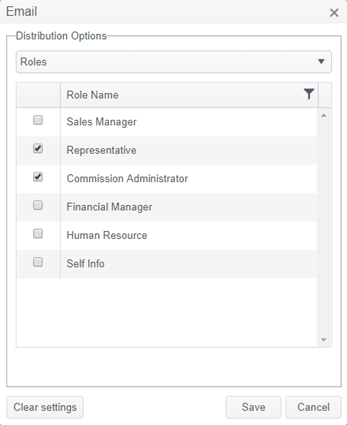
- Press the 'envelope' icon to define the notification distribution
- In the 'Condition' column, open the drop down list and select when notifications should be sent
Comments